INSTRUCTIONAL DESIGN & E-LEARNING
HiFi Hops Product Knowledge Training
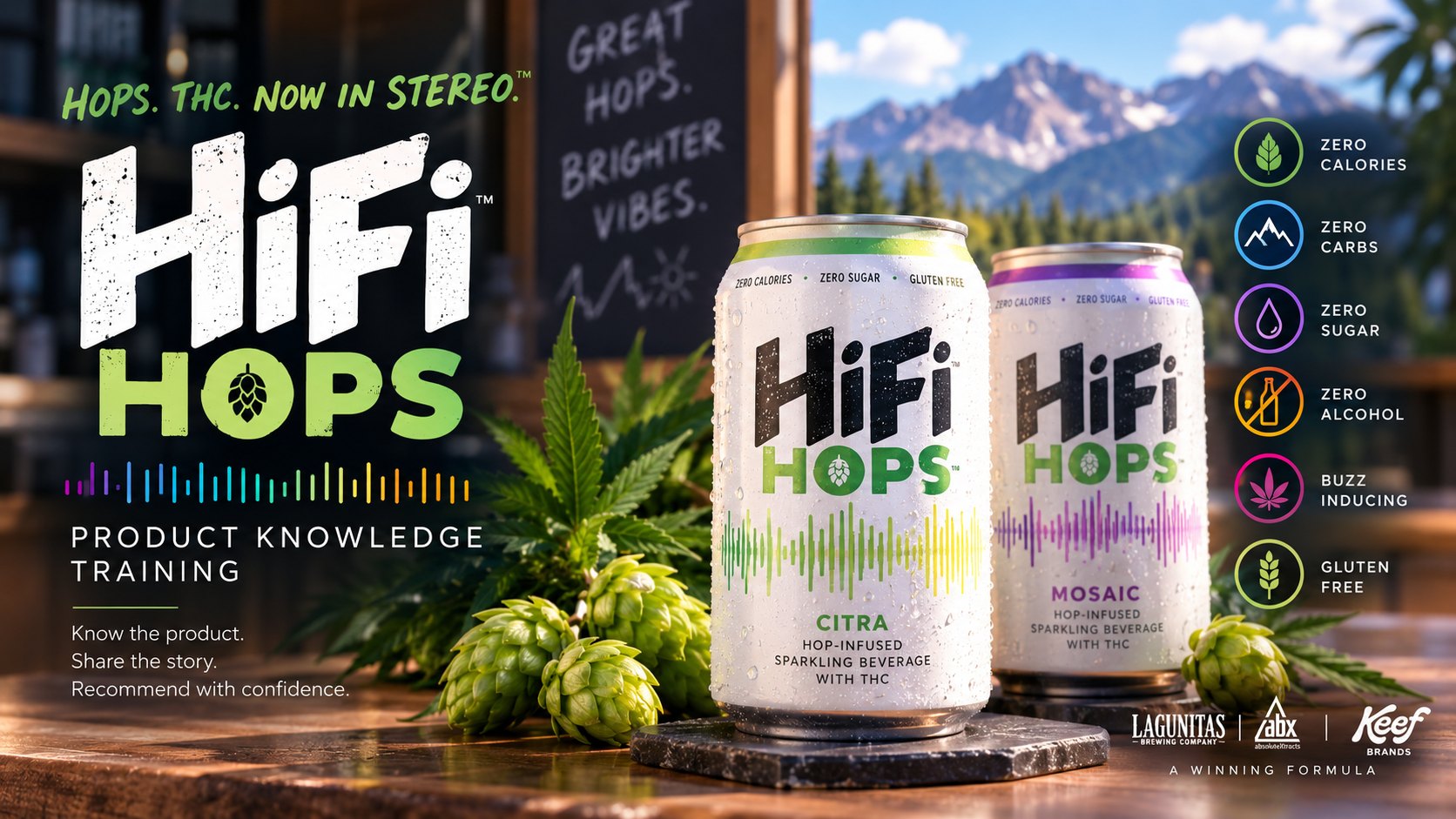
A branded product-knowledge experience that transformed SME-provided content, an established storyboard, narration, and style direction into an interactive digital learning experience designed to help dispensary staff understand the product and communicate that knowledge with confidence.
THE CHALLENGE
Transform expertise and requirements into a learner experience.
The project began with specialized product knowledge, an established storyboard and narration script, brand requirements, and source assets.
The instructional-design challenge was to translate those inputs into an experience that was visually cohesive, interactive, easy to navigate, and useful to the intended audience. That required more than transferring content from a storyboard onto slides.
The supplied information had to be interpreted through the learner's perspective. Interaction concepts had to become functional experiences. Brand direction had to become a consistent visual environment. Narration, practice, feedback, navigation, and progression had to work together as one course.
COLLABORATION
Instructional design does not happen in isolation.
The product expertise for this project came from the subject matter and stakeholder side of the partnership. My role was to bring the instructional-design perspective.
That meant understanding what the experts needed learners to know, interpreting the storyboard and project requirements, considering how learners would encounter that information, and translating the supplied expertise into a digital learning experience.
Subject matter expertise
- Product knowledge
- Content accuracy
- Business context
- Product requirements
combined with
Instructional design
- Learner perspective
- Content organization
- Creative interpretation
- Interaction design
- Visual communication
- Practice & feedback
creates
Learning experience
A cohesive digital course learners can navigate, interact with, and apply.
The instructional designer does not need to replace the subject matter expert. The instructional designer needs to know how to collaborate with expertise and transform that knowledge into learning.
AUDIENCE & PURPOSE
Product knowledge built for customer conversations.
The storyboard identifies the audience as Millennials and Generation Z working as budtenders in dispensaries.
The purpose was to build sufficient product knowledge for learners to discuss and recommend the two HiFi Hops product options to customers.
- Learn the product
- Understand the story
- Explore the options
- Practice the knowledge
- Communicate with confidence
MY ROLE
Bridging expertise and the learner experience.
This project required both collaboration and creative interpretation. Subject matter expertise, product information, the storyboard, narration, and brand guidance established what learners needed to know and the parameters of the experience.
My responsibility was to determine how those requirements would come to life as an engaging digital learning experience. I translated the provided direction into the finished course through instructional-design decisions, visual interpretation, interaction design, Storyline development, multimedia integration, learner-flow decisions, and quality-focused implementation.
The work demonstrates an important part of instructional design: partnering with subject matter expertise while bringing the learning-design perspective needed to transform specialized knowledge into an experience learners can actually use.
- SME Collaboration
- Storyboard Interpretation
- Instructional Design
- Creative Direction
- Interaction Design
- Visual Design
- Storyline Development
- Multimedia Integration
- SCORM Publishing
DESIGN & DEVELOPMENT PROCESS
The storyboard provided direction. Design brought it to life.
-
Input
- SME / Product Knowledge
- Storyboard
- Narration Script
- Brand Requirements
- Product Photography
- Interaction Notes
-
Instructional & creative interpretation
- Learner Perspective
- Information Organization
- Visual Decisions
- Interaction Behavior
- Feedback Design
- Multimedia Integration
- Navigation & Progression
-
Learning experience
- Interactive Course
- Product Exploration
- Guided Practice
- Knowledge Checks
- Coaching Feedback
- SCORM Delivery
The finished course resulted from both collaboration and design judgment.
CREATIVE DIRECTION
A storyboard is a blueprint, not the finished experience.
The storyboard communicated intent, content, and interaction concepts, but those directions still had to become an actual visual and interactive experience.
Instructions to use product photography or clickable cans likewise required creative decisions about how those assets would become part of the learning experience rather than simply decoration.
Storyboard developer note
“Reveal formula by clicking on each letter block (H-I-F-I).”
- Composition
- Visual hierarchy
- Placement
- Interaction states
- Reveal behavior
- Learner cues
- Timing
- Feedback
- Brand consistency
The storyboard established the destination. The design process determined how the learner would experience the journey.
VISUAL DESIGN
Extending an established brand into learning.
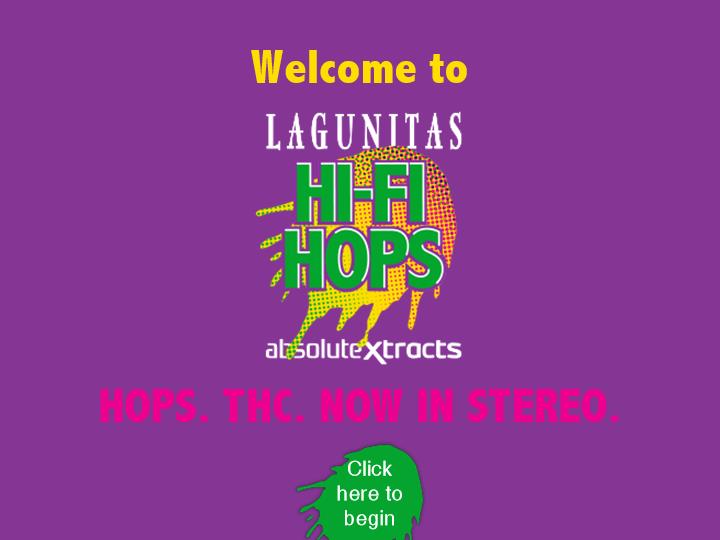
The goal was not to invent a separate visual identity for the training. The learning experience needed to feel connected to the existing product brand while still functioning as an organized learning environment.
This required interpreting brand assets through an instructional lens, using visual consistency, hierarchy, imagery, and interaction to support both recognition and learning.
The original direction called for
- Colors complementary to point-of-sale materials
- Supplied photography
- Fun graphics
- Repeated product imagery
- HiFi Hops branding or product shots throughout
INTERACTION DESIGN
Turning information into something learners could do.
The storyboard described interaction concepts. Each one required implementation decisions around states, triggers, layers, learner cues, sequencing, and visual feedback where applicable.
-
Click to discover
Learners interact with imagery to reveal additional information about the origin and story of HiFi Hops.
-
Reveal the formula
Learners interact with the letters in H-I-F-I to reveal components involved in the product collaboration.
-
Explore the brand story
Vinyl-record-inspired interactions reveal information about the musical roots of the HiFi name and its connection to high-fidelity sound.
-
Explore product options
Product-can imagery becomes interactive so learners can reveal information about the available options.
-
Check understanding
Knowledge checks reinforce essential product information.
PRACTICE & FEEDBACK
Knowledge becomes useful when learners work with it.
The storyboard includes coached knowledge checks related to the origin of the HiFi name, product ingredients, production and process information, and product characteristics. Some questions require learners to answer correctly before continuing.
The final guided practice uses a word-bank activity to reinforce information learners would need when discussing the product with customers.
Practice and feedback turn product information from something learners merely encounter into something they actively retrieve and use.
- Learn
- Practice
- Receive coaching
- Correct / reinforce
- Continue
LEARNER EXPERIENCE
Progression was intentionally controlled.
The storyboard specified the progression requirements below. They meant learner flow was part of the design, not simply navigation added after development.
The finished experience needed to guide learners through product knowledge, interaction, practice, and review in the intended sequence.
- Bookmarking and progress retention
- Slides and activities function as prerequisites
- Learners cannot skip directly to completion
- Certain activities require correct completion before progression
FROM REQUIREMENT TO EXPERIENCE
Turning direction into design decisions.
-
Storyboard direction
“Reveal formula by clicking on each letter block (H-I-F-I).”
-
Instructional interpretation
Turn static collaboration information into learner-controlled exploration using a recognizable element of the product identity.
-
Development
Implement the interaction behavior, states, visual hierarchy, learner cues, and reveal sequence in Storyline.
-
Storyboard direction
“Click on each can to reveal the dose per serving.”
-
Instructional interpretation
Use the actual product imagery as the interaction itself so learners connect the information directly with the corresponding product option.
-
Development
Build clickable product states and reveals, along with progression behavior, within the course.
THE SOLUTION
A collaborative idea transformed into an interactive learning experience.
The finished course brings together subject matter expertise, stakeholder requirements, brand direction, instructional design, creative interpretation, multimedia, interaction, practice, and Storyline development.
The project demonstrates my ability to enter a learning initiative without being the subject matter expert, collaborate with the expertise already present, understand what the learner needs from that information, and transform the supplied content into an engaging digital experience.
REFLECTION
Instructional design is collaborative translation.
This project reinforced that instructional design does not require the instructional designer to be the subject matter expert.
It requires knowing how to collaborate with expertise, understand the intended outcomes, consider what the learner needs from the information, and translate that knowledge into an effective experience.
The storyboard established the foundation, but creating the course still required imagination and design judgment. Developer notes had to become meaningful interactions. Brand guidance had to become a cohesive learning environment. Product information had to become something learners could explore, practice, and ultimately use in customer conversations.
My role was to bridge the space between subject matter expertise and the learner experience, honoring what the experts knew while determining how learners would experience it.