SCENARIO-BASED MICROLEARNING
Responding to Client Feedback via Text Message
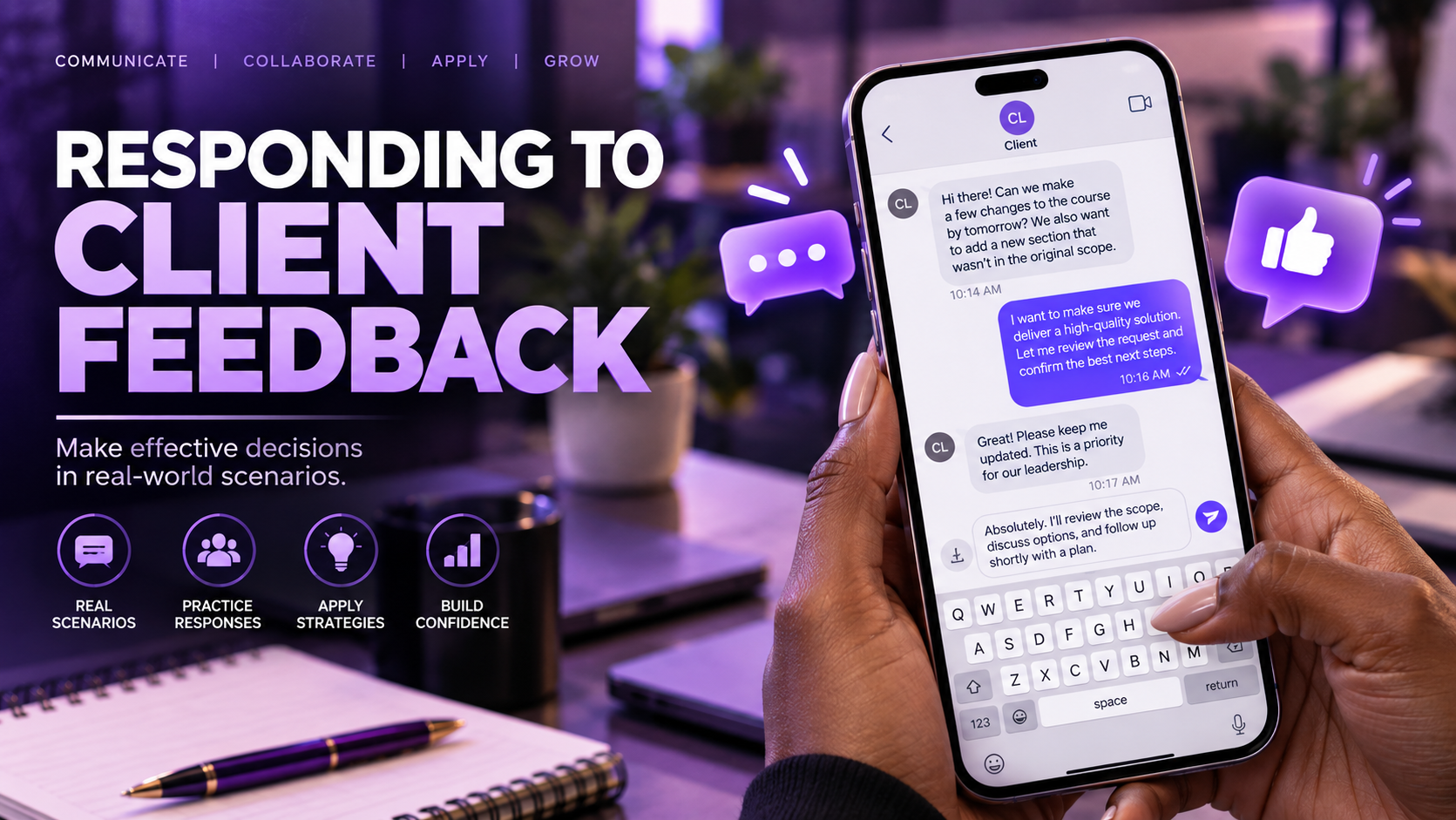
A short Storyline simulation that places learners inside a realistic client conversation and challenges them to balance stakeholder requests with effective instructional-design practice.
THE CHALLENGE
When “yes” isn't always the best answer.
Instructional designers regularly work with stakeholders who bring expertise, preferences, organizational standards, and strong opinions to a project.
But a requested change is not automatically an effective learning decision.
This microlearning experience places learners inside that tension. Instead of explaining stakeholder management through a list of best practices, the learner receives realistic client feedback and must decide how to respond.
SCENARIO
Meet Susan.
The learner is working on a self-paced e-learning project with a new client named Susan.
Susan has reviewed the first version of the storyboard and begins sending feedback through text messages.
The learner's job is to determine how to respond.
Susan is a scenario character created for this learning experience.
-
Storyboard review
Susan reviews the first version of the storyboard.
-
Client message
Susan sends a piece of feedback by text.
-
Learner decision
The learner commits to one response.
-
Instructional feedback
Feedback explains the design thinking behind the choice.
DECISION POINTS
Three messages. Three instructional-design conversations.
INTERACTION DESIGN
Make the learner choose.
The experience uses a simple decision-based structure: present a realistic client request, provide several plausible professional responses, and require the learner to commit to one.
This matters because stakeholder communication is not learned only by reading about it. The scenario asks learners to interpret the situation, weigh competing priorities, and make a judgment.
- Client feedback
- Interpret the request
- Choose a response
- Receive feedback
- Continue the conversation
Repeats for each of Susan's three messages
DESIGN DECISIONS
Small experience. Focused decisions.
-
Use a familiar communication format
The text-message format makes the stakeholder conversation immediate and recognizable while keeping attention on the communication decision.
-
Use plausible responses
The choices are not designed as absurdly obvious right-versus-wrong answers. They represent different ways a professional might realistically respond to stakeholder feedback.
-
Keep the experience short
The interaction focuses tightly on three stakeholder conversations rather than turning a targeted communication skill into a lengthy course.
-
Connect communication to learning design
Each client request represents an instructional-design issue involving learner-centered language, conversational writing, terminology, audience needs, or organizational standards.
SCENARIO SPOTLIGHT
How much jargon is too much?
“Lastly, I don't think you used enough technical language. We use a lot of jargon here.”
Three response strategies, summarized
-
Define the terminology
Use technical terms but define them when introduced.
-
Design for the audience
Introduce necessary terminology while keeping the overall experience accessible for employees who are new to the company.
-
Simply comply
Add more technical terminology because the client requested it.
The learner must consider not only what the client wants, but what the intended audience needs.
FEEDBACK DESIGN
The instructional designer is more than an order taker.
The finished experience includes feedback that acknowledges how tempting it can be to simply agree when a client asks for changes, then reminds learners that instructional designers are also responsible for helping stakeholders understand what makes e-learning effective.
The goal is not to push back for the sake of pushing back. It is to help the client make informed decisions while keeping the learner and instructional purpose visible.
- Listen to the stakeholder.
- Understand the constraint.
- Consider the learner.
- Explain the design rationale.
- Recommend the strongest solution.
LEARNING STRATEGY
Practice the conversation before having the conversation.
A conventional information-based lesson could tell learners how to respond to stakeholder feedback. A scenario changes the learner's role.
Instead of receiving advice, the learner must evaluate a realistic request and select a response. This allows the learning experience to focus on judgment rather than recall alone.
TELLING
“Here are five tips for responding to clients.”
DOING
“Your client just sent this message. What do you say?”
MULTIMEDIA DESIGN
Building the feeling of a real conversation.
The multimedia in this project plays a supporting role. Its job is to help the exchange with Susan feel like a real working conversation, so the learner's attention stays on the decision rather than on the interface.
-
Audio
Adds a layer to the scenario beyond on-screen text.
-
Video and media
Contributes to the scenario's conversational context.
-
Text-message-inspired visuals
Presents Susan's feedback in a format learners already recognize.
-
Notification-style elements
Signal that a new message has arrived and a response is expected.
THE SOLUTION
A focused practice experience.
The finished Storyline experience uses three short client-feedback scenarios to give learners practice making professional communication decisions in context.
Rather than separating stakeholder communication from instructional design, the scenarios connect the two: each response requires the learner to consider client expectations, organizational constraints, audience needs, and effective learning design.
Built with Articulate Storyline
REFLECTION
Good consulting requires more than saying yes.
This project reinforced that instructional design is not only about building learning experiences. It also involves communicating the reasoning behind design decisions.
Stakeholder feedback can reveal real organizational constraints, but it can also create moments where the instructional designer needs to ask questions, explain tradeoffs, or recommend another approach.
Designing the experience as a scenario allowed that professional judgment to become the learning activity itself.
Sometimes the most important instructional-design decision happens before anything is built: helping stakeholders understand why a particular design choice matters.