Systems Thinking
Seeing beyond an individual tool or training request.
SYSTEMS & PROCESS DESIGN
Sometimes the performance problem isn't a training problem.
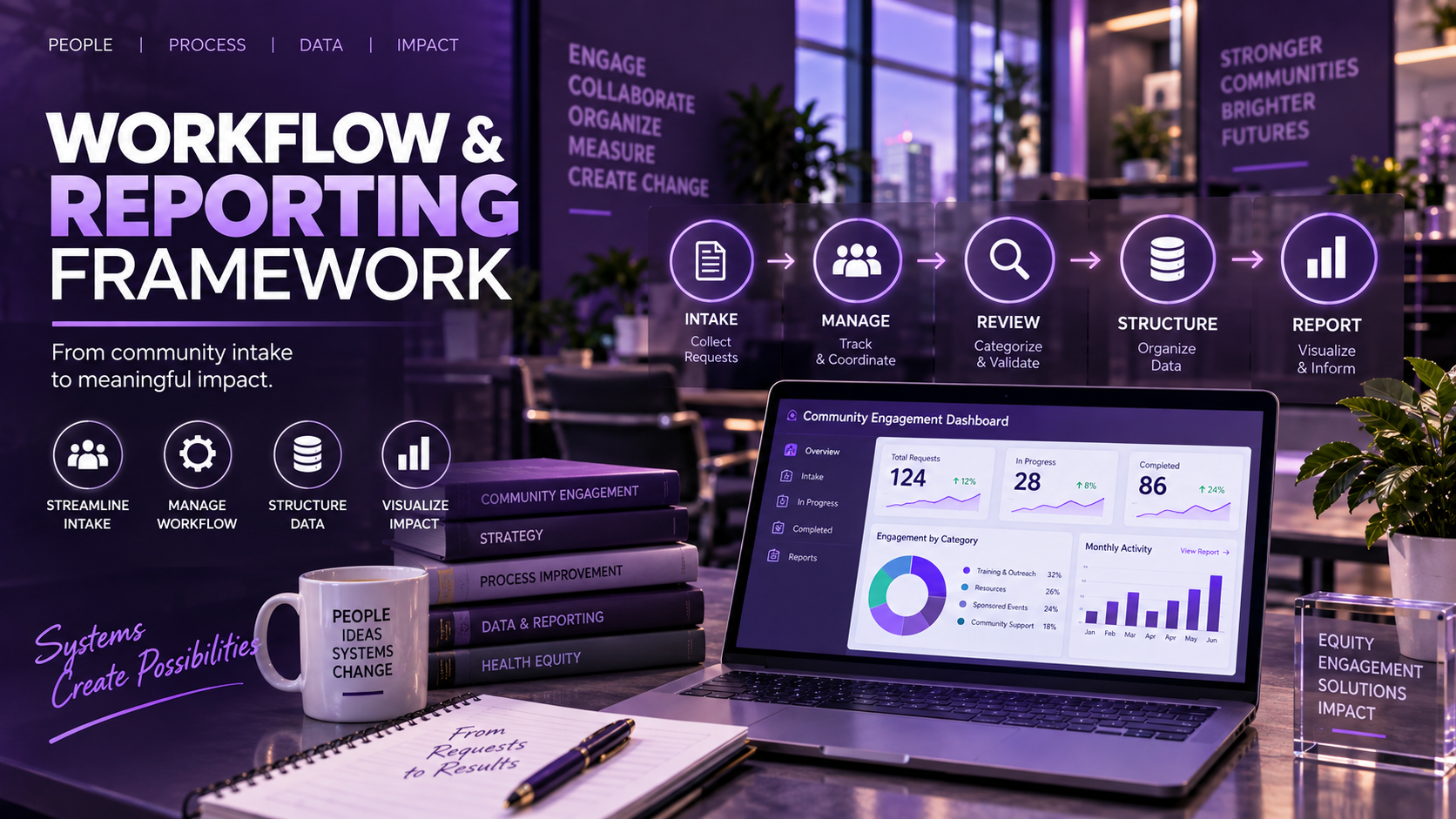
An end-to-end framework connecting request intake, workflow management, structured data, human review, and reporting while adapting to real technology and governance constraints.
THE CHALLENGE
Community-engagement work can generate information across requests, scheduling, consultations, documentation, follow-up, outcomes, and reporting. When those activities live in disconnected processes, information becomes harder to manage consistently and harder to turn into useful organizational insight.
The design question became: how can one system capture a request, move it through a consistent workflow, preserve human oversight, and produce structured information that supports reporting?
The question was not“What training should we build?”
It became“What system does the work actually need?”
END-TO-END DESIGN
Rather than treating intake as a standalone form, the framework connects the full lifecycle.
A request enters through an approved intake channel.
The submission becomes a structured workflow case.
Fields support categorization, ownership, and routing.
The case moves through review, scheduling, and engagement.
Notes, follow-up items, and relevant information are captured.
People validate information and confirm categorization.
Structured records support operational visibility.
Completed information can support deeper analysis.
ITERATIVE DESIGN
01 · Broader architecture
The initial concept explored a multi-platform ecosystem connecting intake, workflow management, automation, structured information, and reporting.
02 · Constraint discovery
Technical, security, and governance constraints affected some planned integration and automation paths.
03 · Asana-native prototype
Rather than forcing an impractical toolchain, the proof of concept was redesigned around capabilities available within Asana while preserving the end-to-end process logic.
Good systems design adapts to the environment without losing sight of the problem it was designed to solve.
WORKING PROTOTYPE
Asana became the primary environment for public intake, structured case management, workflow stages, status management, rules, due-date logic, documentation, operational visibility, and export.
Synthetic requests were used to test workflow behavior without exposing real organizational or community data.
Seven-stage workflow. Status-driven rules support forward and backward movement so cases can respond to real workflow changes rather than assuming a perfectly linear process.
HUMAN + AUTOMATION
Automation reduces friction. Human oversight protects meaning.
REPORTING ARCHITECTURE
Useful reporting depends on what is captured upstream. Intake fields, workflow status, documentation, and human validation were considered as part of the reporting design—not as separate activities added later.
Asana dashboards support operational visibility. CSV export provides a path to Power BI for deeper analysis; Power BI is shown as a downstream reporting destination, not a live automated integration.
WHAT THIS PROJECT DEMONSTRATES
Seeing beyond an individual tool or training request.
Identifying when the underlying need is structural rather than instructional.
Designing how work moves from request through completion.
Adapting the solution to real technical and governance constraints.
Using automation for consistency without removing necessary judgment.
Designing upstream information capture around downstream visibility.
The technology was selected to support the workflow—not the other way around.